
Phone and messages still work.
You add those bookings to Treto by hand. Online and manual entries stay in the same calendar.
Clients book their appointments themselves, whenever it suits them. You see all your bookings clearly in one place.

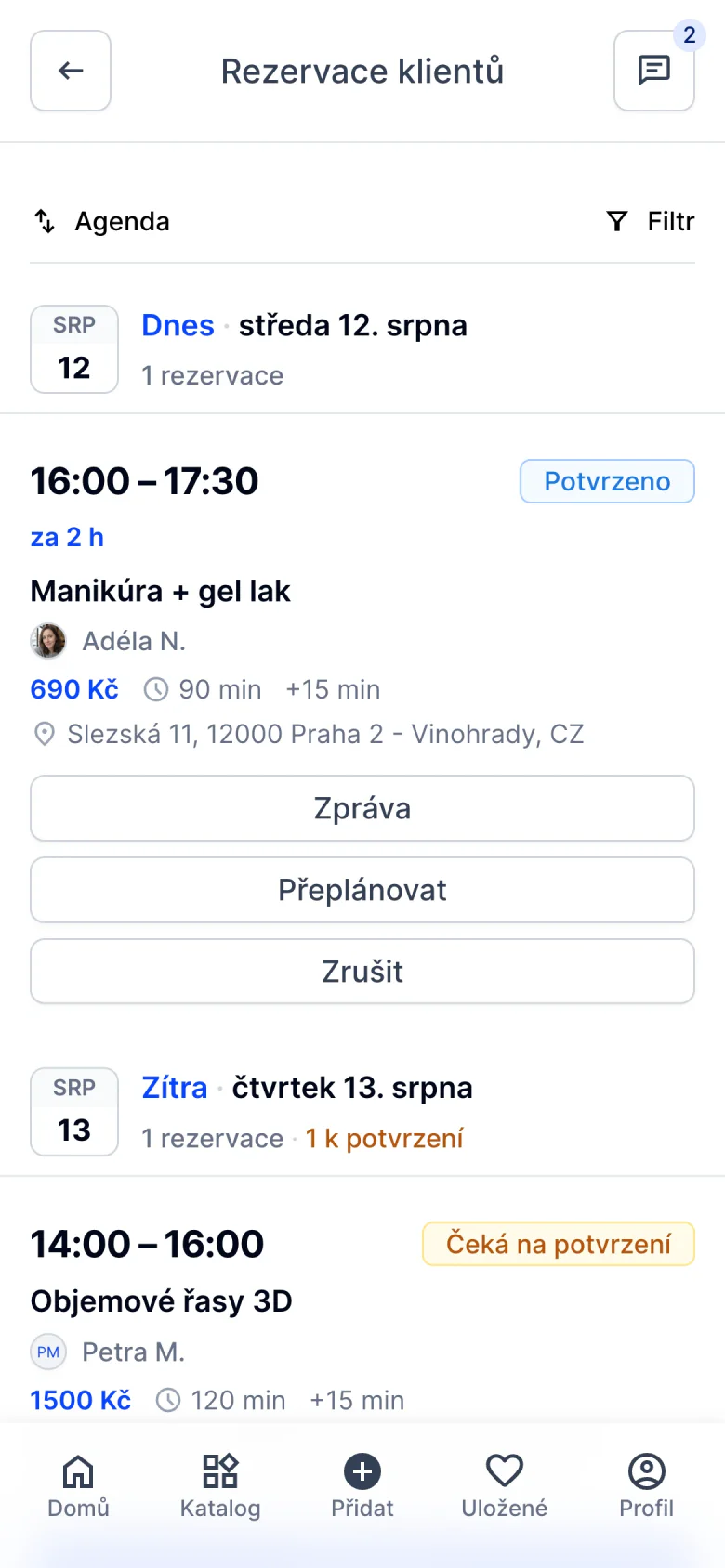

New booking.
NowEven while you are working.
Put the link in your Instagram bio or send it in a message. The client opens your offer and goes on to book.
On your profile they see your offer, prices and how long each service takes.
From the times that fit your working hours and availability.
Verifying the phone creates an account for them automatically, and the booking is attached to it.
You then confirm the booking, or it is confirmed automatically, depending on your settings. The client does not have to install an app.
Look through Klára's sample profile: services, prices and free times. You will see what a client finds after opening your link.
Opens in a new tab. Klára, her reviews and her booking history are only a sample.
Profile, photos, services and their prices.
Choosing a service and the available times.
Your own page to send to your clients.
You can start using Treto even if some clients keep messaging or calling you.
You add those bookings to Treto by hand. Online and manual entries stay in the same calendar.
You set working hours, breaks and days off. Taken time is blocked for further online bookings.
No need to rewrite your whole offer straight away. Add the first service and the rest over time.
What you can leave to Treto instead of searching through messages again.
| Your usual day | Today, in messages | With Treto. |
|---|---|---|
| Arranging a time | Today, in messages: You look for a time in the conversation. | With Treto: The client picks from your free times. |
| Visit reminder | Today, in messages: You write to the client yourself. | With Treto: An email the day before. A text message as an option. |
| Regular clients | Today, in messages: You note them down on the side. | With Treto: You add them to the same calendar. |
| While you are working | Today, in messages: Messages wait for a reply. | With Treto: The client can book on their own. |
Instagram for your work. Treto for your appointments.
An email the day before the visit. Optionally a text message two hours before.
Changes are sorted in one conversation. Once connected, you also get notifications in Telegram.
Reviews are tied to a booking. Your account also shows an overview of bookings and estimated revenue.
Once approved, people can find you in the service catalogue as well. You can still send your own link straight to your clients.
No monthly fee and no commission on bookings. You set the prices of your services and the client pays you directly.
0 Kč
For the profile. For the diary. For bookings.
You can hide your profile at any time.
You start by signing up. Then you prepare your offer and set your time. To appear in the catalogue, the profile goes through a review.
After creating an account you prepare your profile. Start with one service: add a price, a length and a photo. Before it appears in the catalogue, the profile is reviewed.
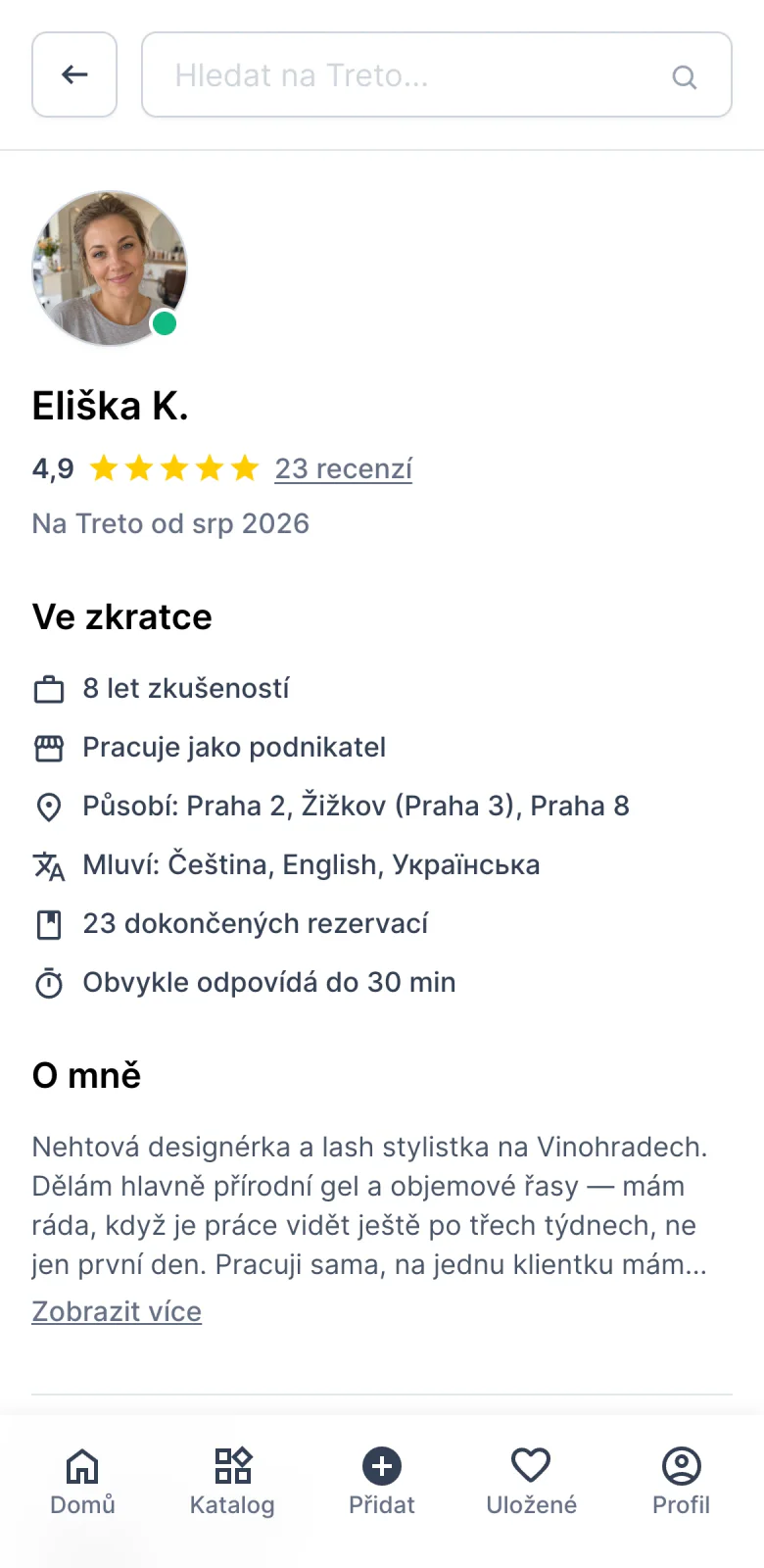
Working hours, breaks and days off. Clients only see the times that really suit you.
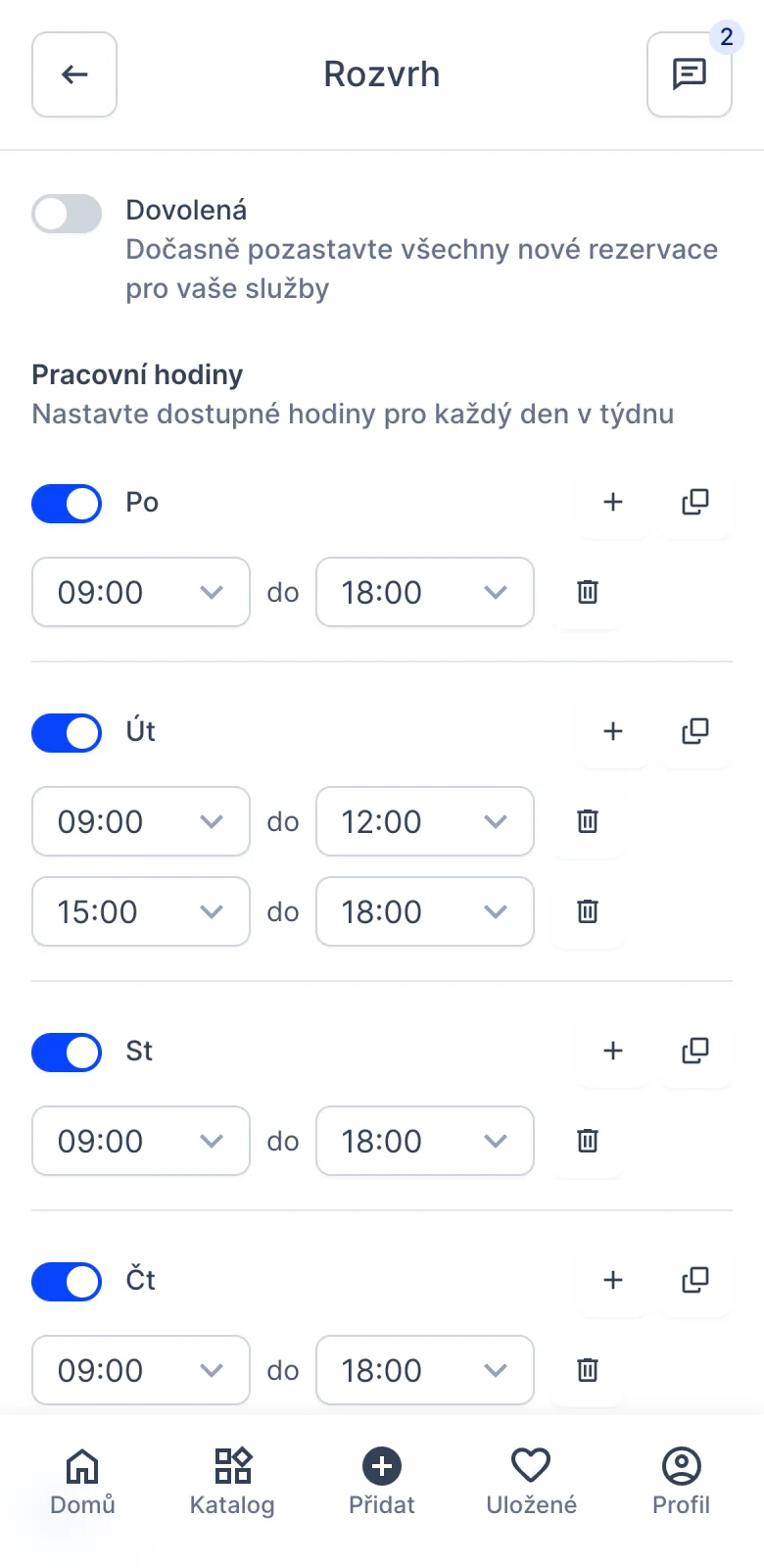
Once the profile is ready to take bookings, put the link in your bio or send it to your clients. They pick a service and a time and verify their phone; an account is created for them automatically.
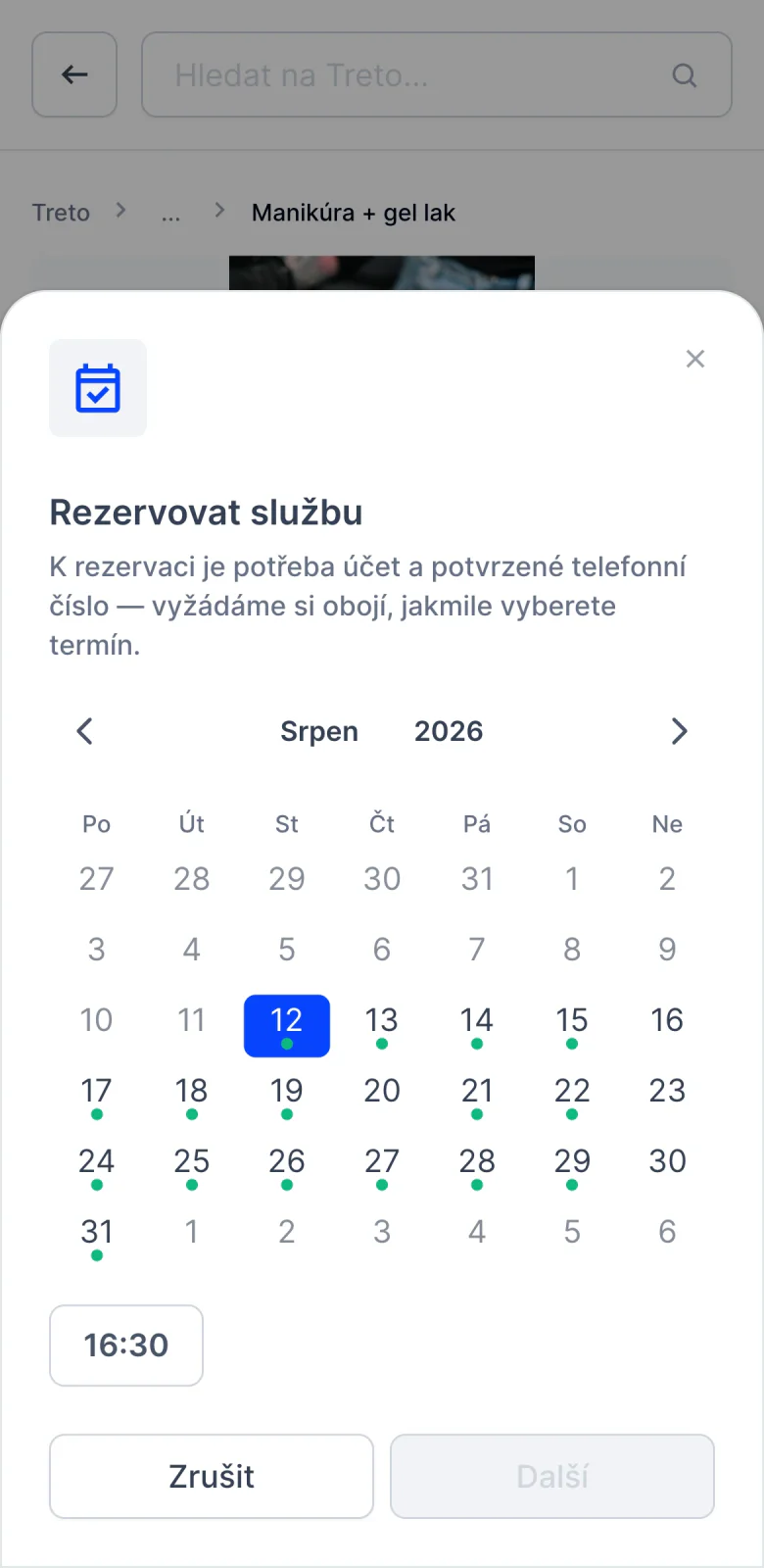
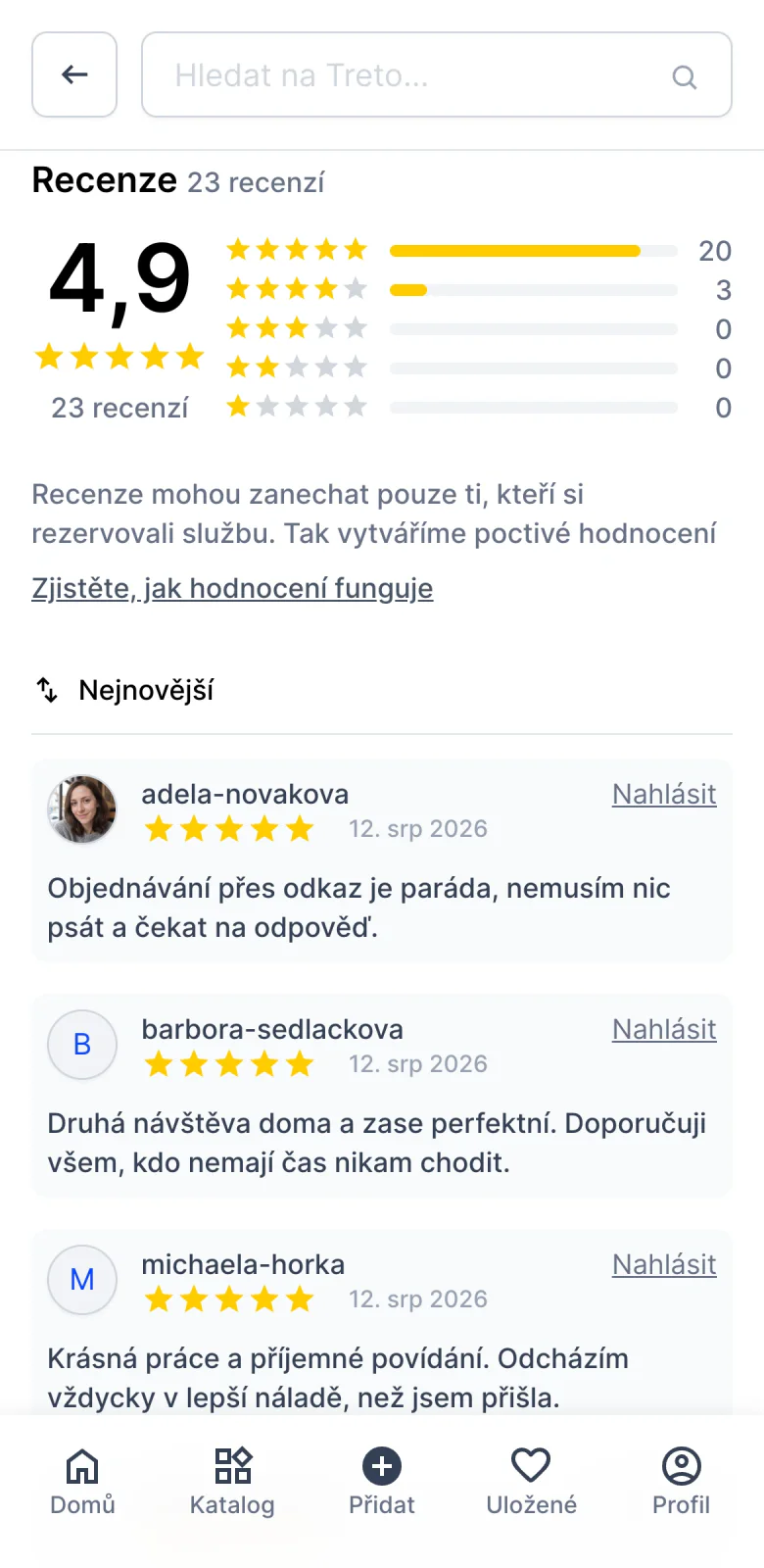
After the visit the client can leave a review. Each one is tied to a specific booking.
Write to us. We will help you prepare your profile.
So you know what you are signing up for.
Yes. When booking they enter and verify their phone number. That creates their account automatically and the booking is attached to it. They do not have to install an app.
No. You can send your link gradually. Anyone who keeps messaging or calling you, you add to the same calendar by hand.
Prepare your services, prices, the length of each service and at least one photo for each service. You set your working hours and availability. Before it appears in the catalogue, the profile goes through a review.
People can find an approved profile in the service catalogue. Signing up alone does not guarantee new bookings. To book your own clients, send them your link or put it in your bio.
Yes. The profile, a place in the catalogue and bookings are free for now, with no monthly fee and no commission. You set the prices of your services and the client pays you directly.
Yes. You set working hours, breaks and days off. You can confirm bookings yourself or turn on automatic confirmation. An unconfirmed request holds for 24 hours, at most until two hours before the appointment.
Any time. Mark days off or hide your profile. You can come back whenever you like.
Create a profile, prepare your offer and send your clients your link.
Profile and bookings for freeNo commission